Signup se pehle bill tak — five steps.
Setting up EasyKOT is a checklist, not a project: sign up free, put the register on your laptop (or just an Android phone), let AI import your menu, type one code on the till, and ring your first sale. The dashboard walks you through each step and ticks them off with proof — "42 dishes ready", not just a tick.
3 months free · no card · most owners print their first bill within the hour
Exactly what the dashboard will ask of you.
Sign up — free for 3 months, no card
Create your account and store at app.easykot.com. No card, no payment, no sales call — signup also mints your own owner PIN, so you can bill alone from day one.
Download the register (Windows or Mac)
Install the till app on the laptop at your counter — .exe on Windows, .dmg on Mac. No laptop? Skip this step: the Captain app on an Android phone can be the register, printing to a Bluetooth or Wi-Fi thermal printer.
Add your menu
Drop your menu as a PDF, photos, or CSV/Excel — AI reads the dishes, portions and prices into a review grid, and nothing saves until you approve it. In a hurry, start from the 245-dish Indian master library or a sample menu.
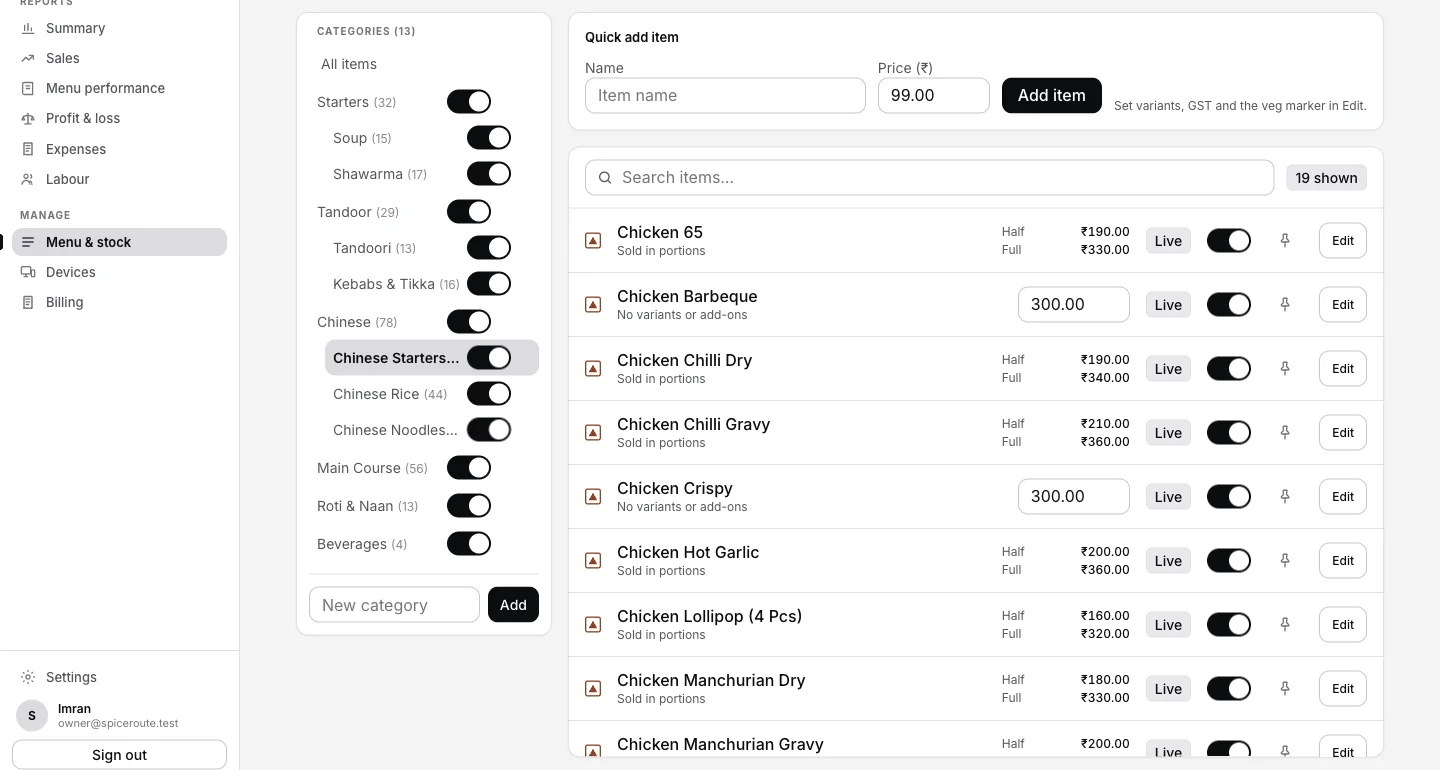
Where the menu lands once it is read — categories on the left, dishes and prices on the right, each with its own Live switch.
Connect your register with one code
The dashboard shows a one-time code; type it on the till and the register links itself to your store. From that moment it works offline — billing never waits for the internet again.
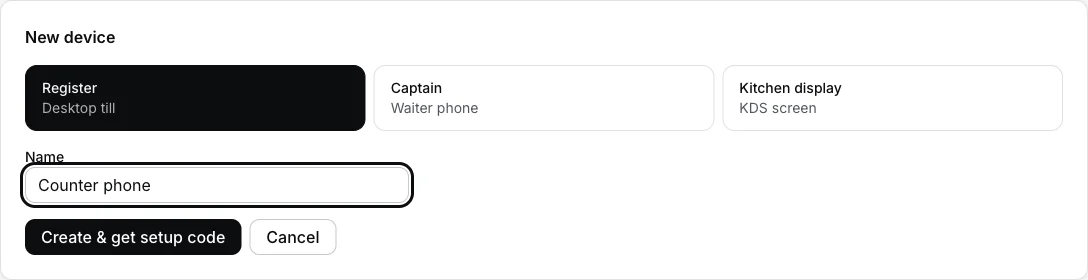
Dashboard → Devices → Add device. Pick the kind carefully — it is fixed the moment the device is created, and only a Register carries a GST invoice series.
Ring your first sale
Punch a dish, take payment, print the bill. Printer setup happens right on the register: it auto-discovers network, USB, serial and Bluetooth ESC/POS printers, and there's a test print in Settings.
Step-by-step for the two steps people get stuck on: connecting a thermal printer (with screenshots of every field) and running the whole day on one Android phone.
Two optional steps. Zero pressure.
- Connect captain phones. Waiters take orders at the table on their own phones — two quick codes and they land straight on the till and kitchen. Details on the captain app page, or follow the step-by-step phone setup.
- Add your staff. Each person gets their own PIN, so the day-end knows who rang what. You already have yours — signup created it.
- Put a screen in the kitchen. An old monitor or tablet becomes the kitchen display — tickets, timers, bump.
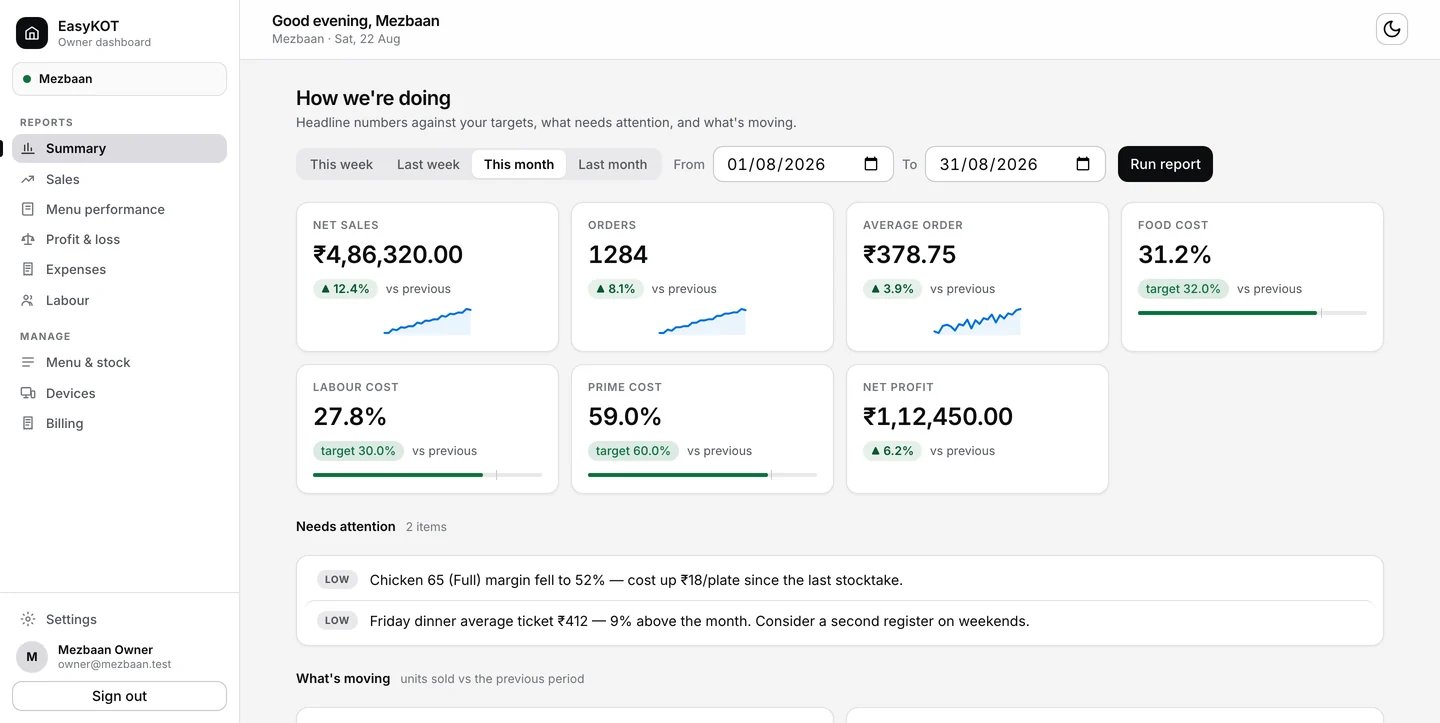
What works offline: billing, KOT printing, settling — the whole counter. What needs internet: signup, sync and the owner dashboard. The offline simulator shows the cut happening live.
Straight answers.
How long does setup actually take?
Do I need my card to start?
What internet does setup need?
I already run PetPooja or another POS — can I try EasyKOT in parallel?
When do waiters and staff come in?
Who helps if I get stuck?
3 mahine chalao, phir paisa lagao.
Three months free, full product, no card. Made in India, for the counter — built inside a running restaurant.